Can You Use an iPhone as a Teleprompter?
A Simple Setup That Actually Works Yes, you can use an iPhone as a teleprompter, and for a
Search for a teleprompter for MacBook and you will find plenty of ways to put scrolling text directly onto your computer screen. It sounds logical. Your MacBook already has a display, a camera and probably the script you are working from, so why introduce another device?
The problem is that a good teleprompter setup is less about where the words appear and more about where your eyes go. If your script is moving around a window somewhere underneath, beside or above the camera, viewers can usually tell you are reading. It might only be a slight movement, but once you notice it, it is difficult to unsee. Suddenly the beautifully written piece to camera has the unmistakable energy of somebody checking whether their train has been cancelled.
That is why using an iPhone or iPad alongside a MacBook can often make more sense than trying to turn the Mac itself into the teleprompter.
There is nothing wrong with recording on a MacBook. For meetings, webinars, training videos, presentations and quick pieces of social content, it can be an extremely convenient little studio. The mistake is assuming that every part of the production also has to happen on the same screen.
A separate teleprompter lets you position the script much closer to the camera, adjust the distance without rearranging every window on your desktop and keep your recording environment free from a wall of text. An iPhone positioned immediately above or below the MacBook camera can work surprisingly well for shorter recordings, while an iPad gives you more reading space when the camera is further away.
It also separates two jobs that are better kept separate. The MacBook records, streams or hosts the call. The teleprompter handles the script. Neither device has to fight the other for screen space.
A teleprompter should disappear while you are using it. You should not be thinking about scrolling, hunting for your next paragraph or trying to remember where you were after looking away from the screen. The easier the script is to follow, the more attention you can give to delivery.
That is particularly useful if you are recording several pieces of content in one session. A five-minute video is easy enough to muddle through from notes. Five videos, three introductions, two calls to action and a revised ending are where the wheels start wobbling. Scripts get duplicated, windows accumulate and suddenly the desktop looks as though it is trying to communicate with an aircraft.
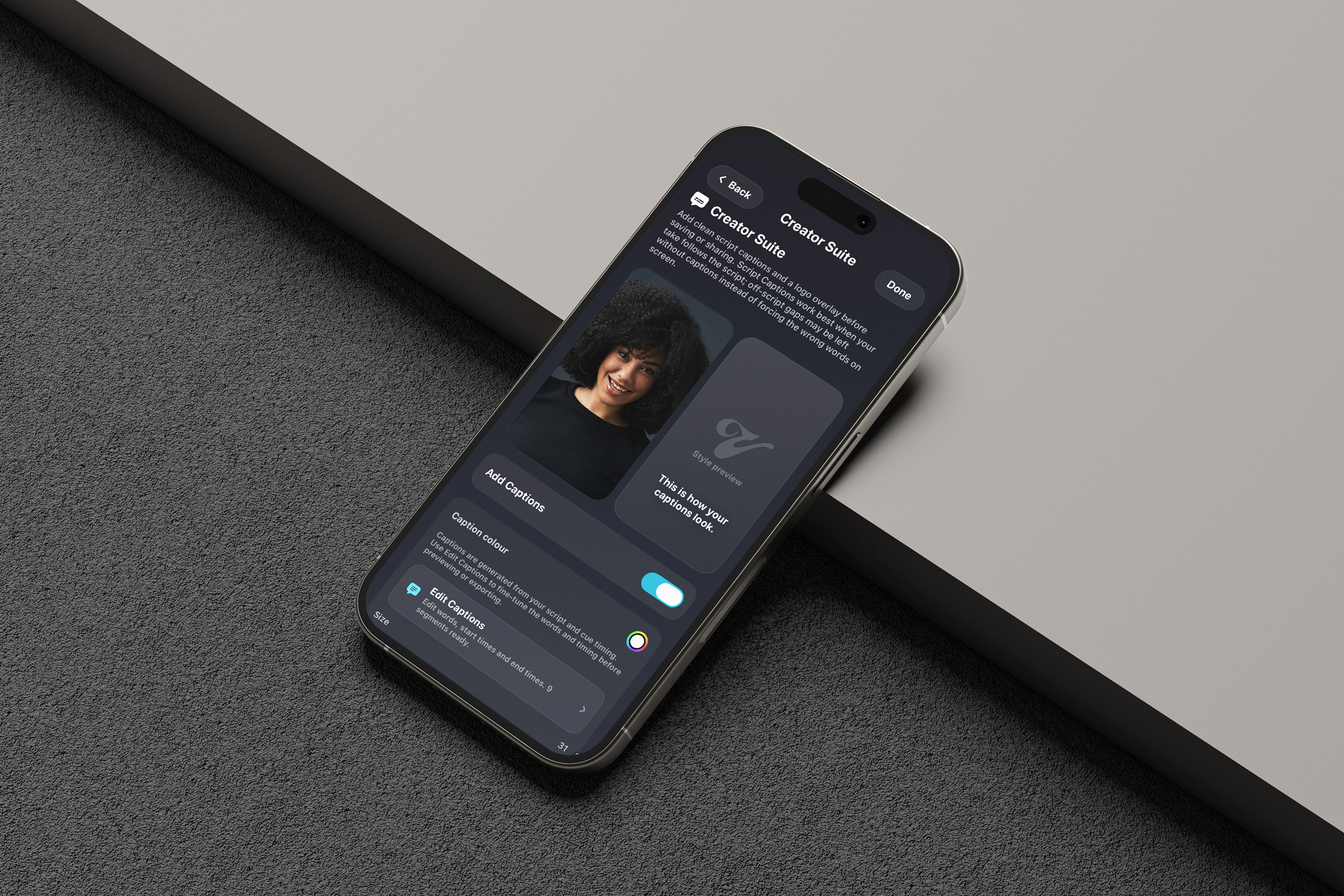
Vibe Cue is built around keeping that side of the workflow deliberately lean. Scripts live in one place, prompting controls are designed around recording rather than document editing, and features such as Creator Suite and Takes are there for the bit that follows the read rather than forcing you to stitch together an increasingly complicated collection of apps.
Not necessarily.
If you only occasionally need a few lines of text while sitting directly in front of your MacBook, putting a script on the screen may be perfectly adequate. There is no prize for building a miniature television studio to deliver a two-minute internal update.
But if you record regularly, need longer scripts or want your delivery to feel more natural, separating the prompt from the recording screen is usually the cleaner approach. You gain better control over where the words sit in relation to the lens, your MacBook remains free for recording or monitoring, and your script becomes part of the production setup rather than another window competing for attention.
That does not require expensive hardware either. If you already have an iPhone or iPad, you may already have the most useful second screen in the room.
Vibe Cue turns that screen into a focused teleprompter and creator workflow for iPhone and iPad, designed for everything from quick talking-head videos to longer scripted sessions. Your Mac can keep doing what it is good at. Vibe Cue can handle the words.