Can You Use an iPhone as a Teleprompter?
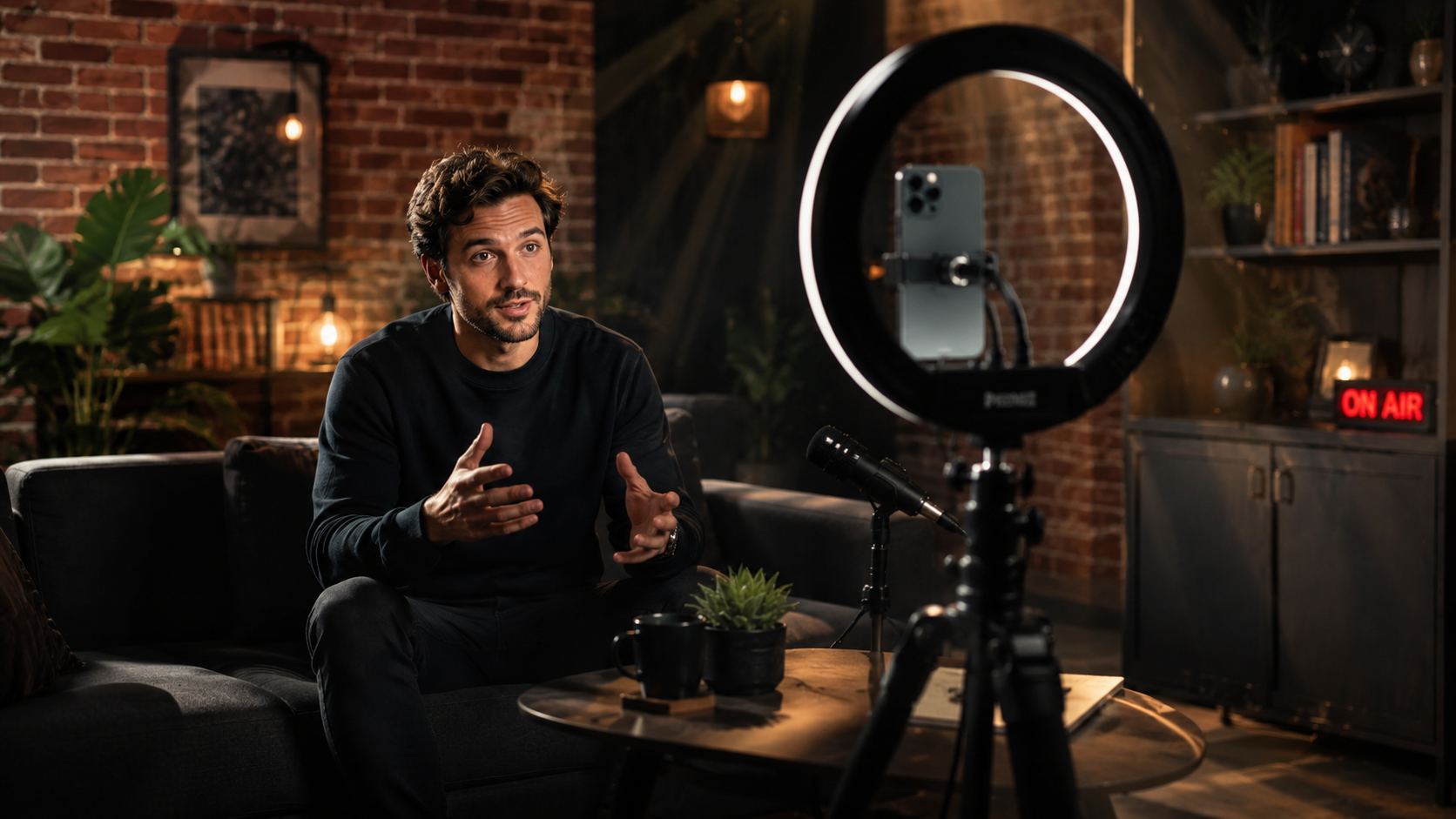
A Simple Setup That Actually Works Yes, you can use an iPhone as a teleprompter, and for a
A two-minute video has an impressive ability to become a two-hour job. The script gets another tweak, the lighting suddenly looks wrong, you record four takes, forget which one was good, change the opening line and somehow end up producing a minor television event for something people may watch while making tea.
That is why a 30-minute content session can be such a useful idea. It is not a stopwatch challenge, just a practical constraint: enough time to make something considered, but short enough that content creation can fit into a normal working day rather than colonising it.
Before you touch the camera, decide what the video is actually trying to say. A short script does not need to become a screenplay. It needs a clear opening, enough structure to keep you on course and an ending that does not accidentally become another paragraph.
Keeping scripts somewhere built for the job helps too. Vibe Cue lets you create and organise scripts in-app, import existing material or paste in copy from elsewhere, so the version you need is not hiding in a document called FINAL-FINAL-2.
Once the script is ready, the quickest workflow is usually the one with the fewest handovers. Vibe Cue moves straight from script to prompting and recording, with Timed Scroll for a traditional autocue or Vibe! for a more natural speech-following approach.
With Vibe!, you can pause, change pace or drift briefly away from the script without having to chase the words down the screen. That can make a real difference to how quickly you reach a usable take, because the teleprompter follows the delivery rather than dictating it.
And once you have a take that works, let it work. Creators are very good at assuming the next recording will definitely be better. Sometimes it is. Sometimes it is just the previous one with slightly less energy.
The final part of the session should be about useful polish, not decorative archaeology. Most direct-to-camera content needs clear captions, consistent branding and a clean export. It probably does not need seventeen transitions and an animated arrow pointing at your face.
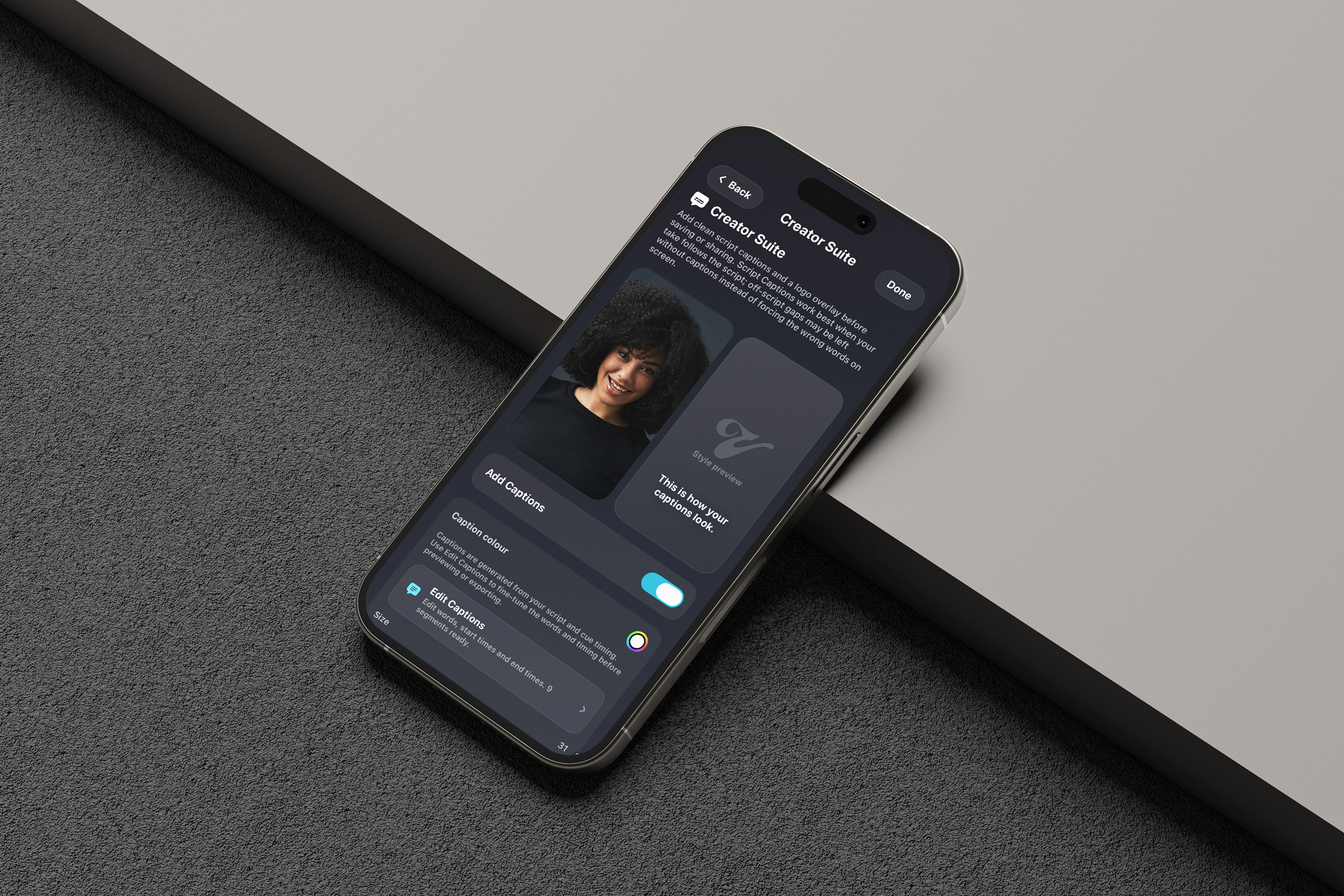
Creator Suite keeps that finishing work close to the recording. Captions can be built from the script and session timing, then edited and styled, while logos can be added before export. A short preview lets you check everything before committing to the final render and discovering that your logo has quietly become the main character.
The real value of a 30-minute session is not speed for the sake of speed. It is repeatability. When you know where the script lives, how you are going to prompt it, where the recording goes and how it gets finished, content stops feeling like an event you need to prepare yourself for.
An idea can become a script, the script can become a recording, the recording can become a finished piece of content, and then you can get on with your day.
If it takes thirty-two minutes, we promise not to report you.

Install now to take advantage of our limited time launching prices.